






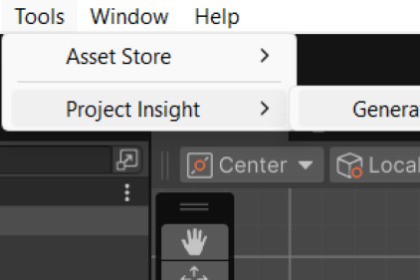
Project Insight is a lightweight Unity Editor tool that generates detailed overview of your entire Unity project.Description:Project Insight scans your folders, scenes, and assets to produce a clean and readable .txt report that reveals every GameObject, component, property, and dependency along with unused asset detection and optional source code exports.Project Insight main purpose is to help developers and teams keep large projects organized, transparent, and easier to maintain.Main Uses:Auditing a team build Optimizing storage Documenting workCustomization & Compatibility:Fully configurable via an editable JSON file: exclude specific folders, file types, or code sections with ease.Works with any Unity project, from small prototypes to large production environments.Ideal for studios, QA testers, and solo developers who need insight into their asset usage and project structure.Recommended For:Developers maintaining large or legacy Unity projectsTeams doing version control and project auditsEducators teaching Unity architecture and asset managementAnyone who wants a complete project overview in secondsKey Features:• Generates a complete, readable .txt log of your entire Unity project• Scans folders, files, and all loaded scenes• Displays every GameObject, component, and serialized property• Detects unused or orphaned assets• Includes optional source code export for selected folders• Fully configurable via ProjectInsightConfig.json (JSON-based exclude list and toggles)• Summary section with total counts and scan duration• Scene-safe scanning (prompts to save unsaved work, cancles scan if project is not saved to avoid loss)• Optimized for large projects and long-term maintainabilitySupported Unity Versions:Unity 2021.3 LTS or newerSupported OS:Windows, macOS, Linux (Editor only)Documentation: Included in package under Assets/ProjectInsight/Documentation/ReadMe.txt

