






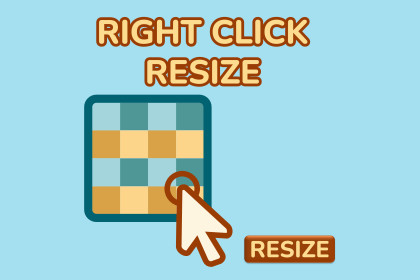
Quickly resize textures to power-of-two sizes - directly in Unity, no extra tools needed.Right Click Resize lets you quickly resize textures in Unity to power-of-two dimensions (e.g. 32×32, 128×128) — perfect for compression.No need to open Photoshop or external tools: just right-click and resize directly in the Editor. Ideal for solo devs and teams who need fast, clean asset prep inside Unity.Instant Context Menu Access: Right-click any texture in the Unity Project window for immediate resizing or conversion.Batch Resizing: Select multiple images at once to resize them all to a target dimension in a single click.Format Conversion (New): Instantly convert textures between PNG, JPG, and TIF formats directly within the Unity Editor.Power-of-Two Optimization: Easily resize textures to dimensions like 32, 64, 128, 256, and up to 2048 to ensure optimal GPU compression.Alpha & Transparency Support: Works seamlessly on textures with alpha channels, maintaining transparency after resizing.Smart Canvas Expansion: Automatically expands the image canvas with padding or background fill to meet square or custom output requirements.Standalone Workflow: Perform all texture adjustments inside Unity—no need for external software like Photoshop or GIMP.Clean Integration: An Editor-only tool that adds no overhead or runtime code to your final game build.

