






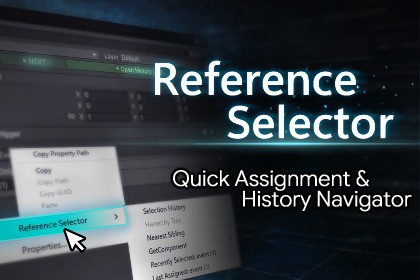
Reference Selector – Quick Assignment & History Navigator
emptybraces
$13.60
$13.90
2%OFF
(no ratings)
Jump AssetStore
This asset is a Unity Editor tool designed to speed up reference field assignment.
By leveraging selection history, it allows you to assign objects and components quickly and reliably.Assigning references to object fields often requires frequent drag-and-drop actions and repeatedly searching for objects, making it one of the more frustrating parts of working in the Unity Editor.Reference Selector is a Unity Editor extension designed to streamline editor workflows with a focus on efficient reference field assignment.By leveraging selection history and hierarchy information, it allows you to assign objects and components quickly and reliably.Key Features■ Selection HistoryAutomatically stores the history of selected scene objects and assets.Previously assigned objects can be reused instantly from reference fields, eliminating the need to search for them again.■ Reference Field AssignmentContext menus are available on most reference fields.You can assign references without drag-and-drop by using selection history,hierarchy trees, or sibling objects as the source.■ Multi-Object SupportFully supports multiple object selection.References can be searched for and assigned in bulk based oneach object’s hierarchy structure.■ ShortcutsSupports selection history navigation using mouse wheel shortcuts,allowing you to perform reference assignments more quickly.(Default)Shift + Mouse Wheel Down: Select the previous object in the selection history.Shift + Mouse Wheel Up: Select the next object in the selection history.SupportFull Undo / Redo supportSafe to use after script recompilation (domain reload)Compatible with Unity 6 or laterCompatible with Odin InspectorEditor-only asset (no runtime code included)For detailed usage and configuration, please refer to the online document.Compatible with Unity 6 or laterFull Undo / Redo supportSafe to use after script recompilation (domain reload)Editor-only asset (no runtime code included)Supports Unity Shortcut Manager (customizable via Edit > Shortcuts)No additional dependencies requiredCompatible with Odin InspectorOnline documentation available

