

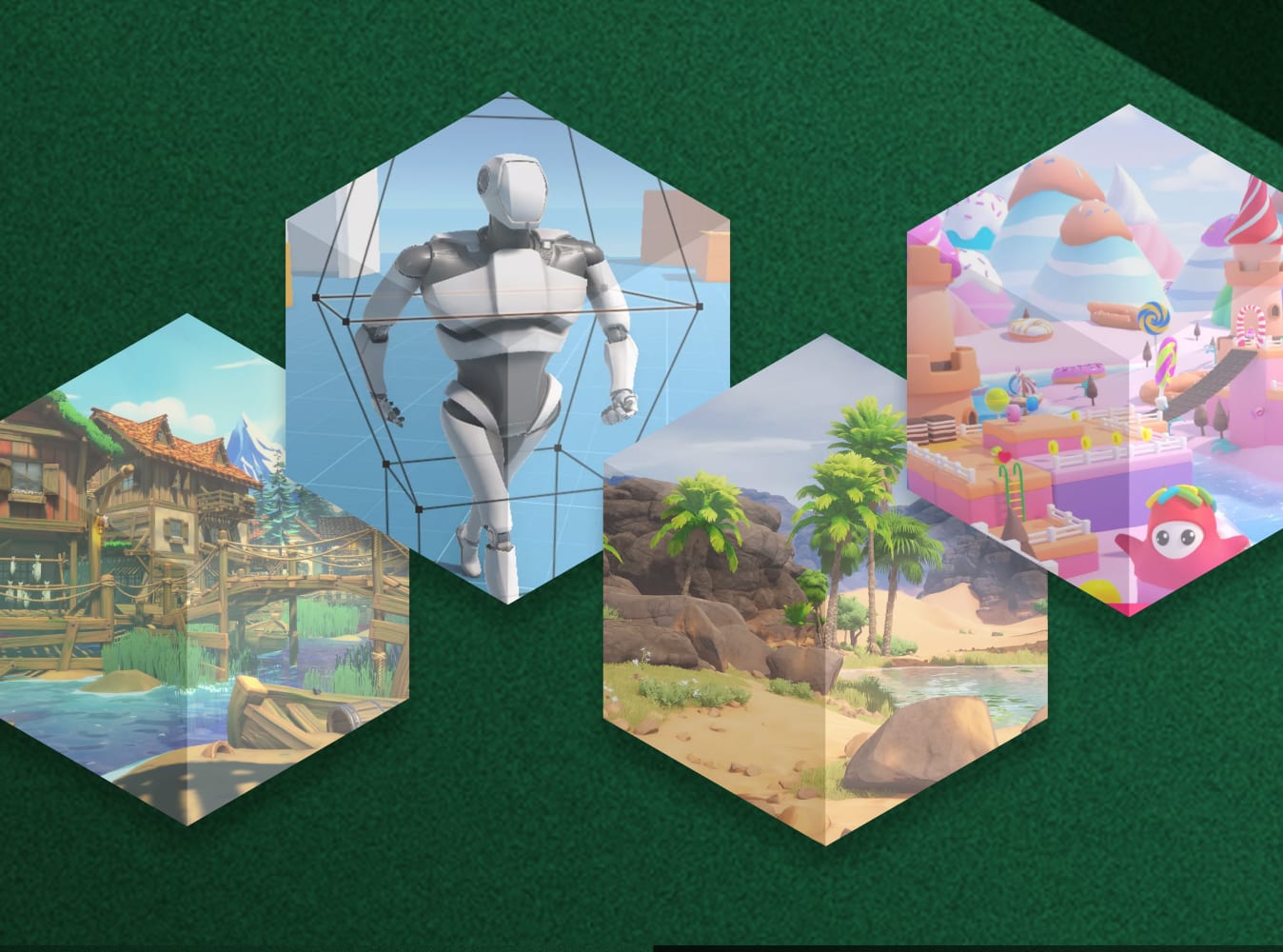





Computer Vision Examples works with plain web cameras or video clips, and uses AI models to provide depth estimation, body tracking, object detection and other streams.This is the next step in the evolution of the depth sensor examples (incl. "Azure Kinect and Femto Bolt Examples", "Kinect-v2 Examples", etc.). Instead of a depth sensor this asset uses a plain web camera or a video recording as input, and AI models to provide depth estimation, body tracking, object detection and other streams. The package contains over thirty demo scenes.Web | Documentation | Twitter/X | LinkedInThe avatar-demo scenes show how to utilize user-controlled avatars in your scenes, gesture demo – how to use discrete and continuous gestures in your projects, fitting room demos – how to overlay or blend the user’s body with virtual models, background removal demo – how to display user silhouettes on virtual background, etc. Short descriptions of all demo-scenes are available in the online documentation.This package works with plain web cameras and video clips that can be played with Unity video player. It can be used in all versions of Unity – Free, Plus & Pro.How to run the demo scenes:1. Create a new Unity project (Unity 6.0 or later, as required by the 'Inference Engine' package).2. Open 'Window / Package Manager' in Unity editor, go to Unity Registry and install the 'Inference Engine'-package. This is the Unity package for AI model inference.3. Open ‘File / Build settings’ and make sure that Windows, macOS or Linux is the currently active platform.4. Open and run a demo scene of your choice from a subfolder of the 'ComputerVisionExamples/DemoScenes'-folder. Short descriptions of all demo-scenes are available in the online documentation.Limitations:1. Because of the intensive GPU utilization, please avoid using the CVE-package on mobile platforms. The performance is not good enough, and the device may overheat.2. Please don't use the CVE-package on WebGL platform.One request:Please don't share this package or its demo scenes in source form with others, or as part of public repositories, without my explicit consent.Troubleshooting:* Don't expect everything to be perfect. If you get any issues or errors, please contact me to report the issues.* If you get errors in console, like 'Texture2D' does not contain a definition for 'LoadImage' or 'Texture2D' does not contain a definition for 'EncodeToJPG', please open the Package Manager, select 'Built-in packages' and make sure 'Image conversion' and 'Physics 2D' packages are enabled.* For other known issues, please look here.Documentation:* The basic documentation is available in the Readme-pdf file in the package.* The online documentation is available here.Third-Party Software:This asset uses AI models for monocular depth estimation under MIT License, as well as AI models and scripts for detecting landmarks of human bodies in an image or video under Apache License Version 2.0. See 'Third-Party-Notices.txt' file in the package for details.This package works with plain web cameras (or video recordings as input), and uses AI models to provide depth estimation, body tracking, object tracking, etc. It utilizes the Unity Inference Engine package for AI model inference, and works in all versions of Unity – Free, Plus & Pro.

